
MaestroX Studio was not built to be a prettier task list. It was built inside a working agency to run the real work between a marketing team and the people it serves: social content and approvals, creative assets, campaigns, shoots, discussions, billing, contracts, cross-channel reporting, and CosimoAI, an assistant that works inside your process under your direction. Here is each piece, and how it connects to the rest.
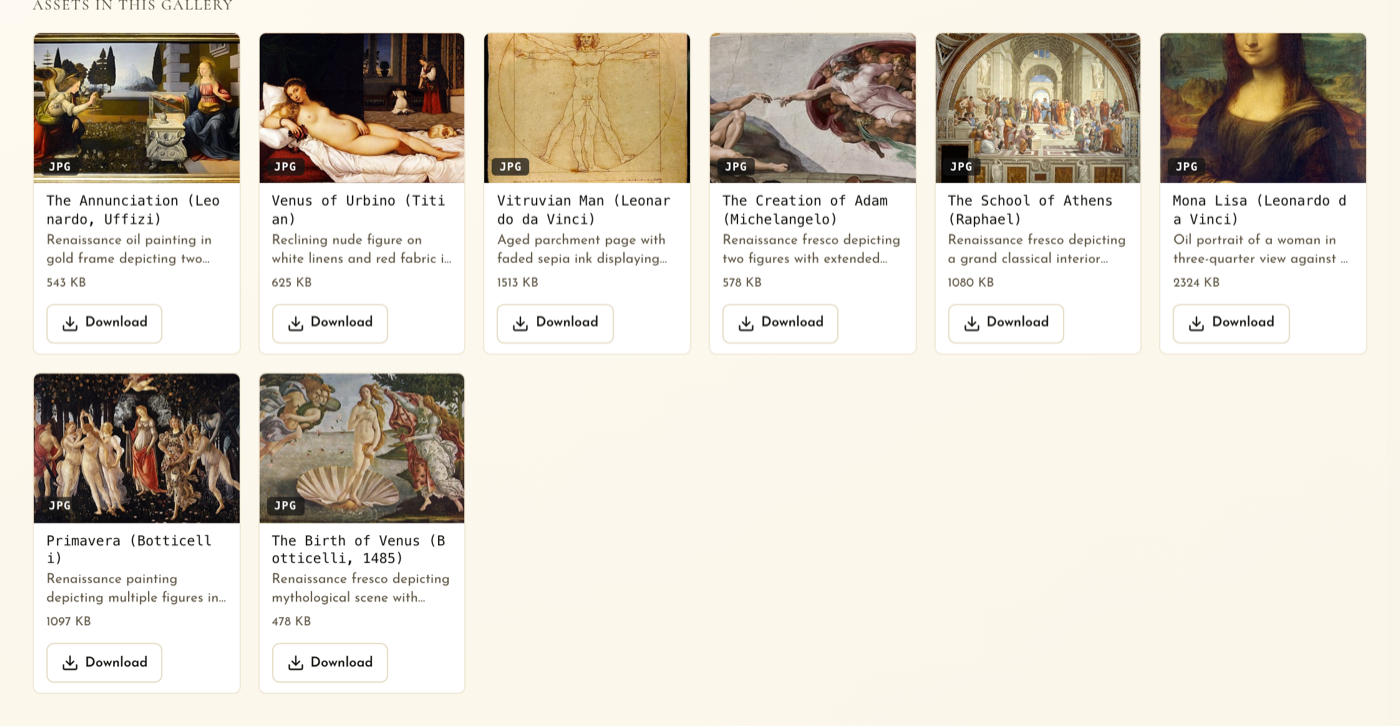
Store, organize, describe, search, share, and download every client asset, on desktop or phone.
Plan the calendar, build the posts, route approvals, publish on schedule, measure the result.
Drafts, descriptions, transcripts, on-brand imagery, briefs, and analysis in each client's voice, under your review.
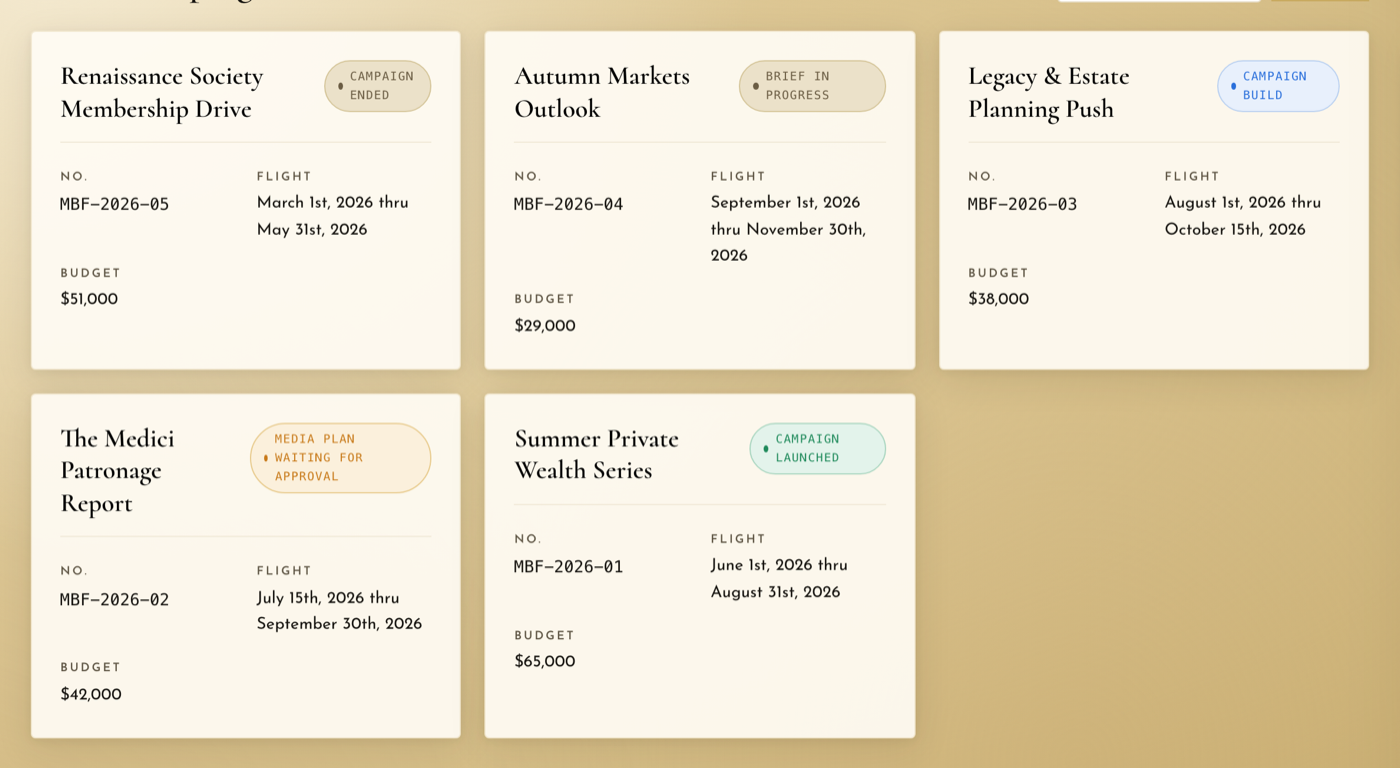
Briefs, media plans, deliverables, and status from idea to launched, in one hub per client.
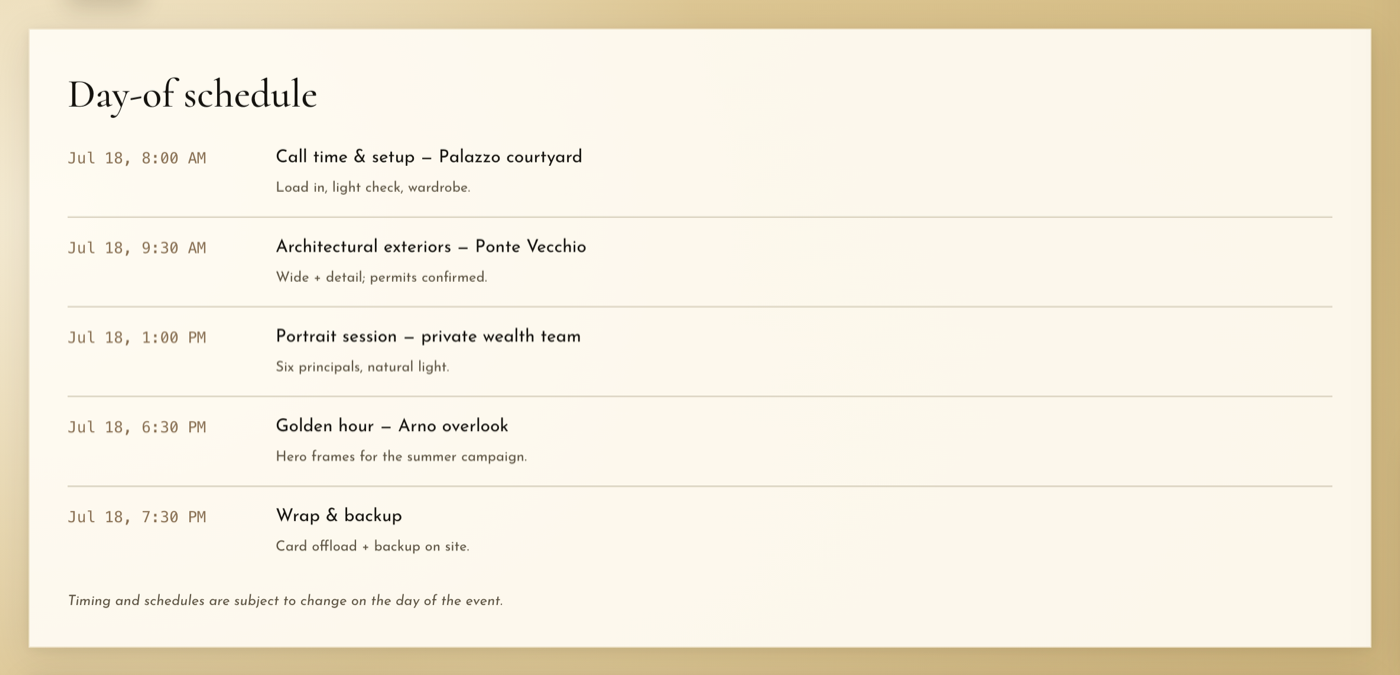
Client shoot requests, rosters, call sheets, reminders, and delivery into the library.
Threads, mentions, reactions, read receipts, reply-by-email, and visibility controls.
QuickBooks Online sync, payment links, branded agreements, and guided e-signature.
GA4, Search Console, LinkedIn, Instagram, Facebook, and SMS in one branded report, analyzed by CosimoAI.
Email, an in-app center, and opt-in text alerts for approvals, comments, requests, and issues.
Every client has assets. Most are scattered across drives, folders, text threads, and expired links nobody trusts. MaestroX Studio gives each client a living creative library: nested galleries, previews, one-click downloads, share links, product metadata, automatic descriptions, and search that understands what is in the picture, not only what the file was named.
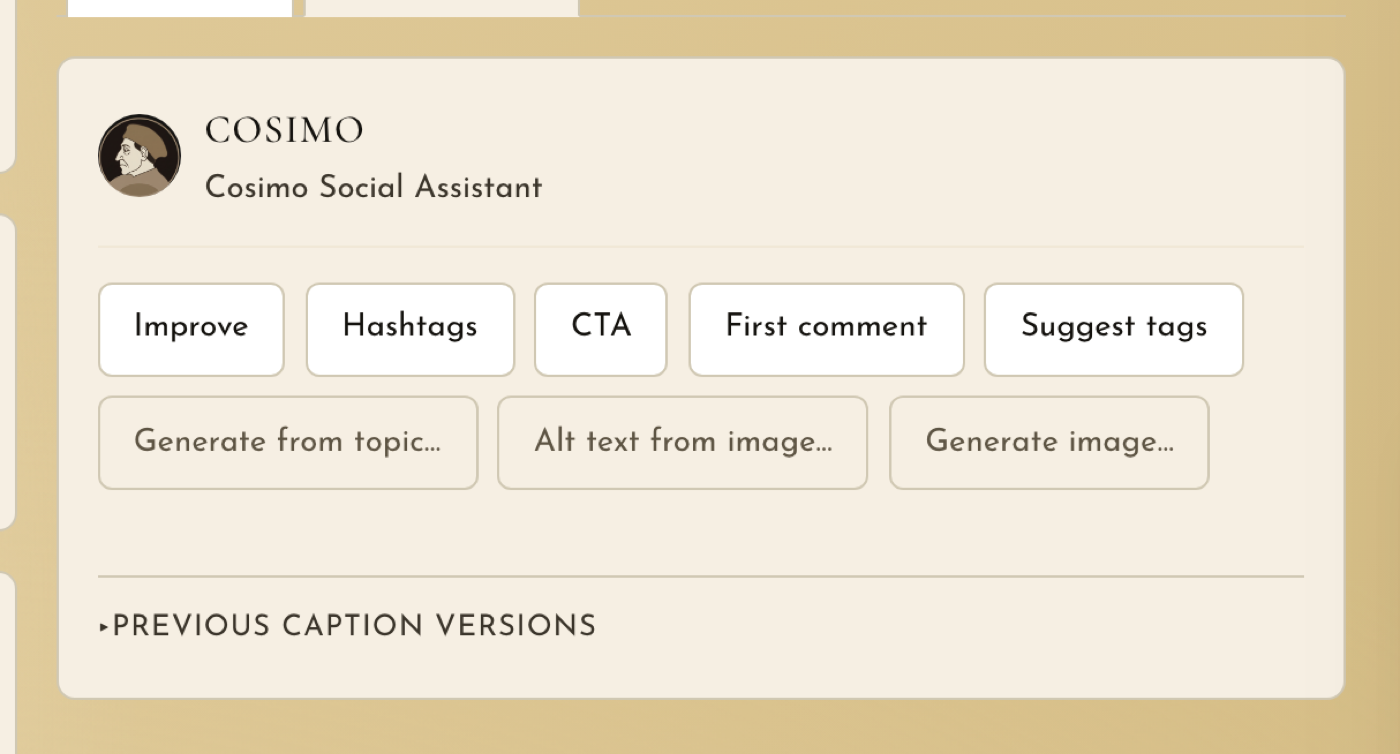
CosimoAI is not a chatbot in the corner of the product. It is woven into the work at the moments where a blank page or a pile of data slows a good team down. It drafts a batch of platform-ready posts from a gallery, tightens a caption, suggests hashtags and a call to action, writes alt text, describes images and transcribes video so the library becomes searchable, helps outline a creative brief or media plan, generates and edits on-brand imagery for a post when the library has no photograph for it, and reads a month of cross-channel results like a senior analyst. The difference is context: it writes from each client's brand profile, so it sounds like the boutique, the bank, or the restaurant group, not like "fashion content."
Campaigns are where strategy, creative, assets, timelines, approvals, and reporting collide. MaestroX Studio keeps the whole campaign in view: the brief, the media plan, the tactics and deliverables, the assets and copy the client owes you, the posts scheduled against it, and the results, all in one hub that the account team, the creatives, and the client read from the same page.
Shoots produce some of the most valuable assets a marketing team owns, and a long list of details: dates, locations, participants, vendors, shot lists, call times, reminders, and delivery. MaestroX Studio gives shoots a real workflow, and the finished assets land straight in the client's library where the next campaign will find them.
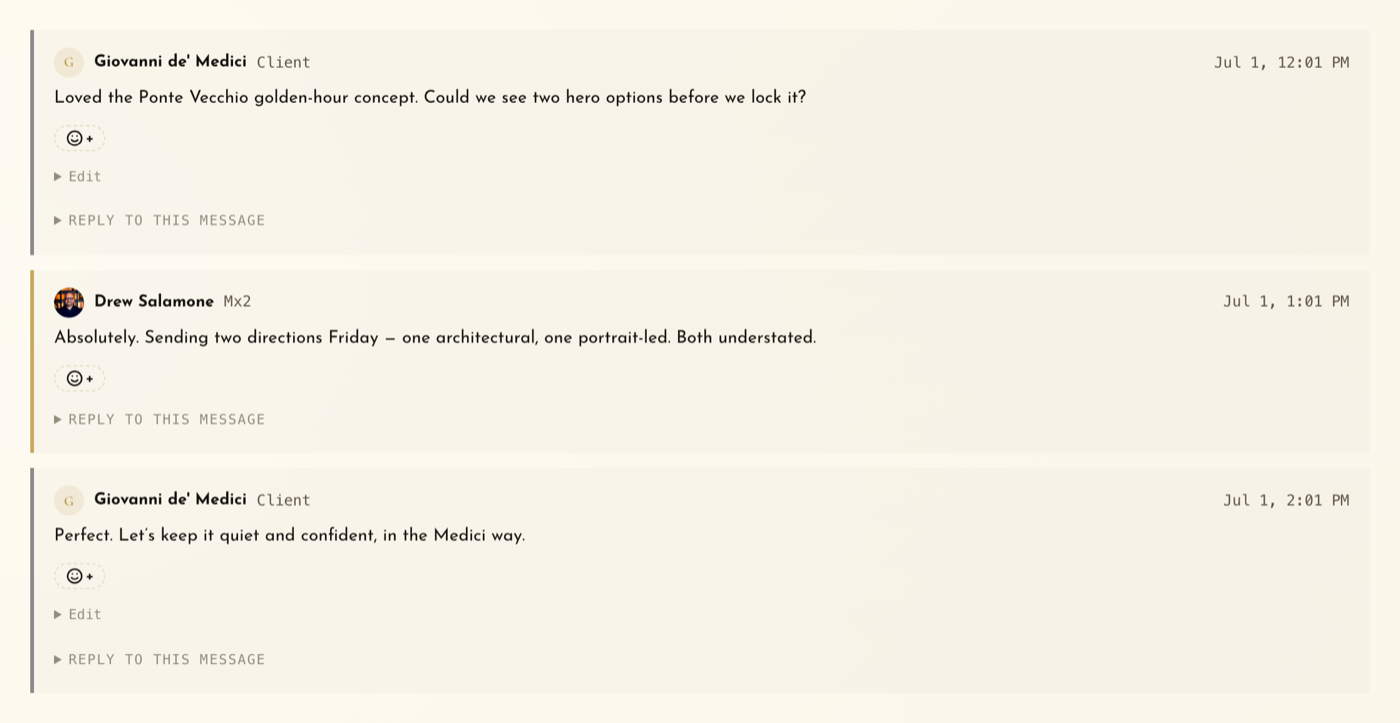
Email is where clarity goes to die. MaestroX Studio gives every client a dedicated discussion space where the right people see the right conversations, internal notes stay internal, decisions are searchable, files stay attached to the thread that created them, and everyone can see who has read what.
Client work does not end when the campaign launches. There are agreements to sign, invoices to pay, and balances to review. MaestroX Studio connects billing and contracts to the portal, so the commercial side stays visible without turning account managers into collectors, and a signed agreement becomes a provisioned workspace in one motion.
Monthly reporting should not be screenshots pasted into a deck the night before the call. MaestroX Studio pulls website, search, social, and text performance into one branded report, in the same place the work was planned, approved, and published. Then CosimoAI writes a Performance Analysis the way a senior analyst would: the single most important storyline first, what is working and what needs attention with real numbers, notes per channel, and action items specific enough to start this month. When your client asks a follow-up, Ask CosimoAI answers from the data on the page and nothing else.
Not every update deserves a text. Some absolutely do. MaestroX Studio supports email, an in-app notification center, and opt-in SMS alerts, so every user chooses how they hear about new comments, approval requests, client requests, deliverables, and publishing errors, and the right people find out quickly.

MaestroX Studio can carry your name, not ours. For agencies and multi-brand organizations that want the portal to feel like their own product, it supports white-label presentation, per-client workspace branding, a branded login, and a custom domain, so clients and stakeholders sign in to an environment that reads as an extension of you.
Start a 7-day full-access trial and move one client into MaestroX Studio this week.
Plan the calendar. Build the posts. Route approvals. Publish on time. Measure what happened.
Social content should not live in a spreadsheet, an approval email, a shared drive, and a scheduler at the same time. MaestroX Studio brings the entire social workflow into one place, from the first idea to the published post to the numbers it earned, with your client's approval recorded along the way.
- Visual calendar for scheduled, draft, pending, and approved posts, with drag-to-reschedule and drag-a-photo-onto-a-day drafting
- Multi-network composer with per-platform captions and previews, carousels, first comments, and stories
- Configurable multi-step approvals, client comments and feedback, a guided approval wizard, and resubmission
- Automatic publishing to LinkedIn, Instagram, and Facebook; optimal-time suggestions; per-post reach and engagement after it goes live
See the social workflow